2.4 GHz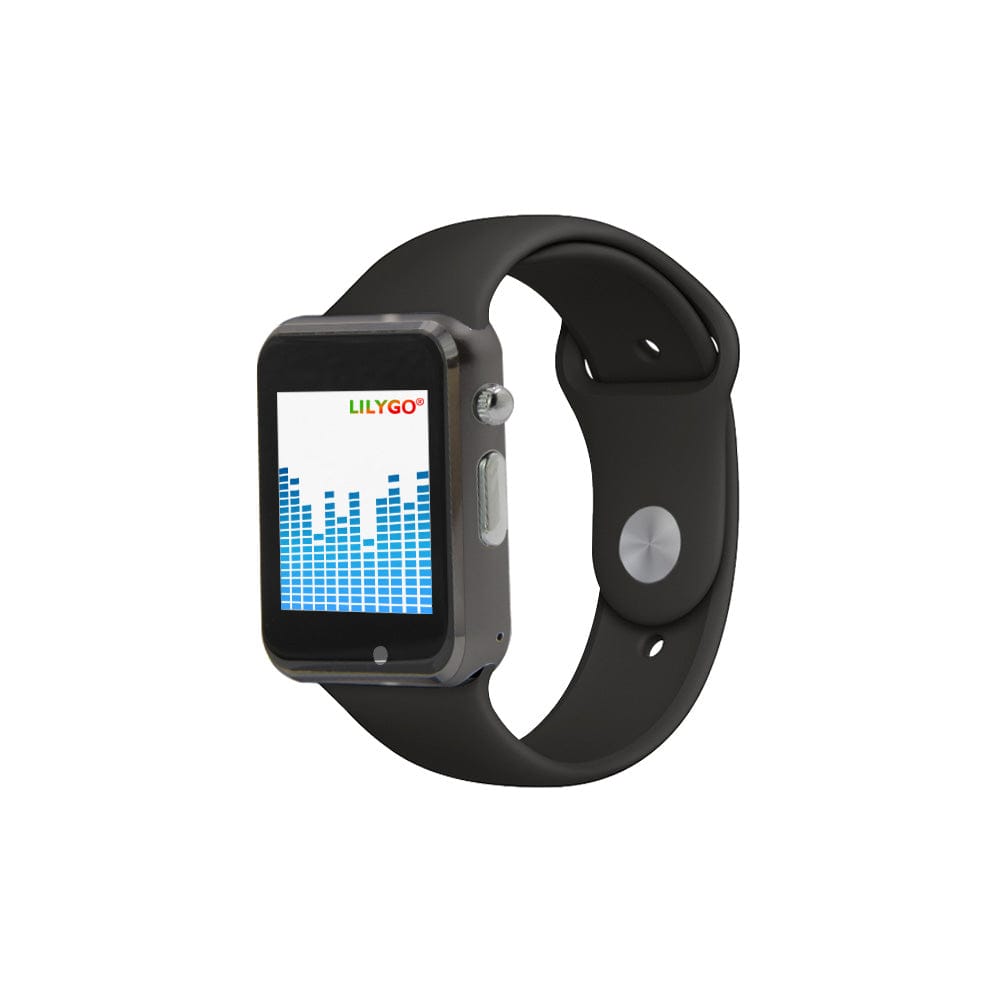
Supported
T-Watch S3 2.4 GHz
The original Pitchcall watch. Choose the 2.4G option at LILYGO, in either supported color.
Use only with 2.4 GHz team watches.
Set up a 2.4 GHz S3 ↗THE WATCHES
A buzz. A glance. The next pitch. We use LILYGO’s open hardware to make practical calling devices with affordability at the center.
BEFORE YOU CHOOSE · DO NOT MIX FREQUENCIES
Choose one radio frequency for your whole team. The coach’s relay watch and every player’s watch must all be 2.4 GHz, or all be 915 MHz. A matching passphrase does not make different radios compatible.
SUPPORTED WATCHES
Keep one watch near your iPhone to pass the call along, and set up the others for your players. Check the exact radio option before ordering.
Supported
The original Pitchcall watch. Choose the 2.4G option at LILYGO, in either supported color.
Use only with 2.4 GHz team watches.
Set up a 2.4 GHz S3 ↗Supported
The S3 with a 915 MHz radio. Choose the 915Mhz option at LILYGO; the case alone won’t tell you the frequency.
Use only with 915 MHz team watches.
Set up a 915 MHz S3 ↗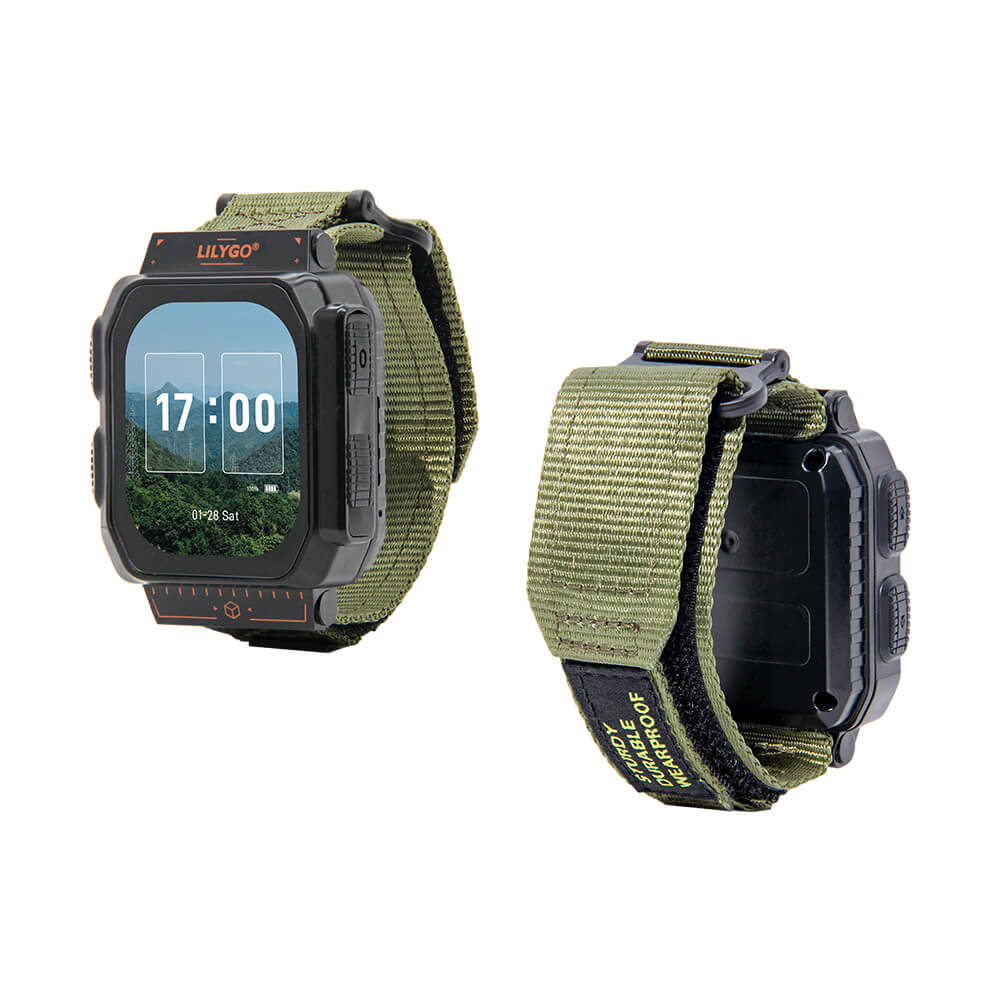
Supported
The Ultra is fully supported by Pitchcall. Choose the 915 MHz radio option and select T-Watch Ultra in the browser installer.
915 MHz only. Will not work with 2.4 GHz watches.
Set up a 915 MHz Ultra ↗Product photos: LILYGO. Manufacturer screens are shown; S3 radio variants share the same exterior. Buy the exact frequency and model listed above. Hardware is purchased separately; see LILYGO for current pricing, stock, shipping, and returns.
A LITTLE CLARITY BEFORE YOU ORDER
Match the watch-to-watch radio, not the Wi-Fi or Bluetooth specification. LILYGO labels the 2.4 GHz S3 radio option “2.4G” (K250 or K251). For the 915 MHz S3, look for K221 or K222. Neither can send calls to the other frequency.
One S3 firmware, two radio options. The same Pitchcall firmware supports the T-Watch S3 in both 2.4 GHz and 915 MHz. Use the browser installer for either S3 variant. T-Watch Ultra uses its own supported firmware; select Ultra in the same installer. S3 and Ultra watches with 915 MHz radios can work together. Sharing firmware does not let different radio frequencies communicate.
The T-Watch Ultra 915 MHz is supported. The 433, 868, and 920 MHz variants, T-Watch S3 Plus, T-Watch 2020, and other unlisted models are not supported. Ask us before substituting a different model.
Hardware details and product photos: LILYGO T-Watch S3 and LILYGO T-Watch Ultra. Pitchcall support status is listed above.
A vibration alerts the player to a new call, so they know when to glance at the display.
See the pitch, highlighted spot, and game situation. Short messages can help keep your team on the same page.
The coach’s nearby watch passes calls to the field and displays them too. Players use the same model to receive calls.
ALREADY HAVE YOUR WATCHES?
Use a USB data cable and Chrome or Edge on your computer. The guided installer supports T-Watch S3 in 2.4 GHz or 915 MHz and T-Watch Ultra in 915 MHz. Choose your watch model before connecting.